
These are what I consider the Best Camera Memory Cards on the Market.
When I started taking photos way back in 2018, I honestly had no idea what I was doing: lenses, camera memory cards, manual shooting, all of it. (To be fair, some days I still wonder what I’m doing.)
But one thing that may not seem like a big deal, but is, is the memory card you choose for your camera. There are dozens and dozens of brands out there, but I’m going to help corral those options down to three.
In addition, this article will help educate you on what to look for in a memory card, the different types, and why the professional ones are so much better. Hopefully, you come away with a little more knowledge – and maybe – a couple of new cards.
These are the Camera Memory Cards I rely on
Brands I Trust
Highlighting the camera memory cards that I trust and use consistently.
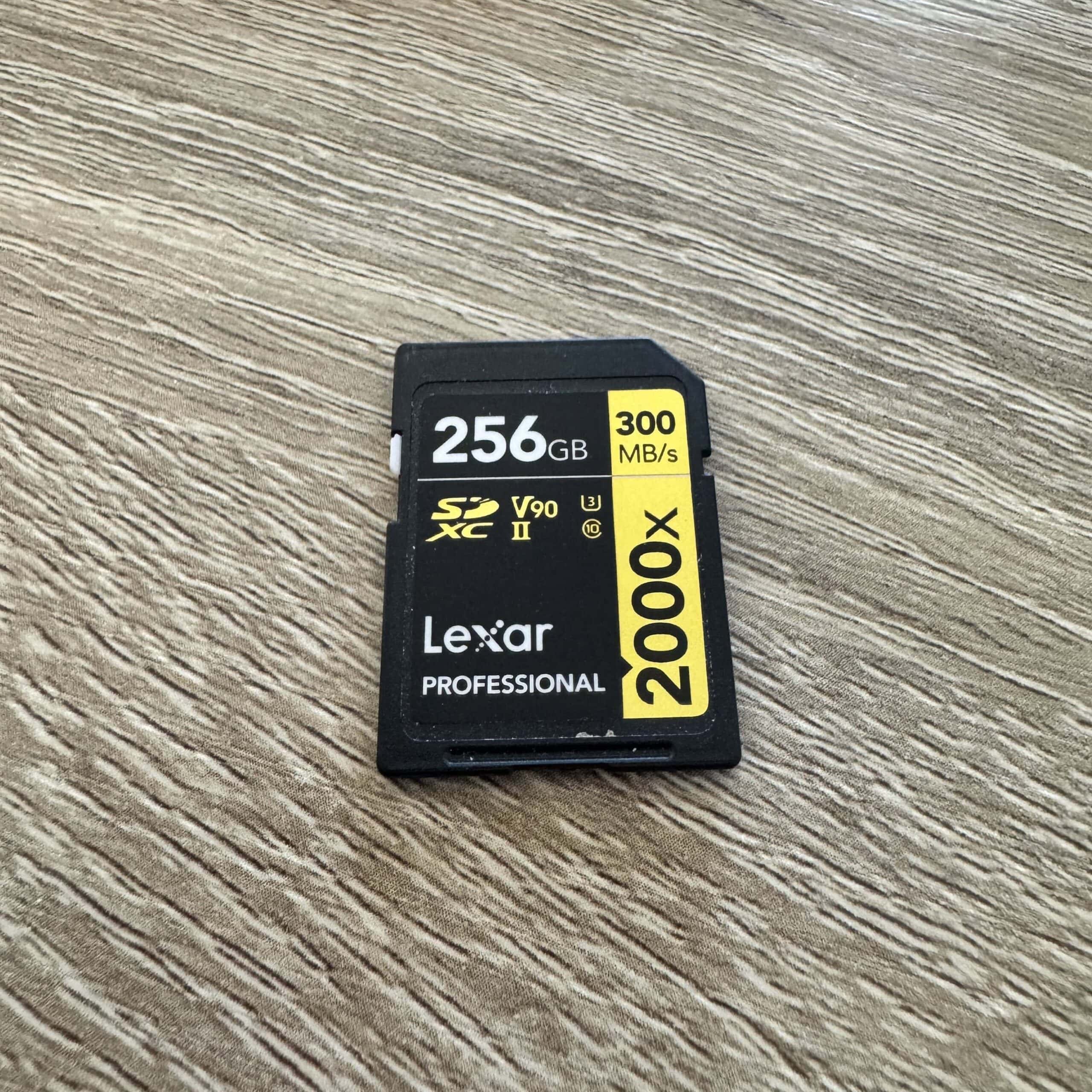
Brand I use most consistently: Lexar Professional Gold and Silver
Over the last couple of years, I gravitated to the Lexar Professional Line. And I haven’t looked back. The cards do exactly what they should: Work, work fast, save my photos, and function correctly. *Knock on wood*
Shop Lexar Professional Memory Cards: Gold |Silver
Shop Lexar Professional CF Express Cards: Gold | Silver
Good to have: SD Card/CFexpress Reader << I use this one. Only downside, no CFexpress Type A reader.)
I’ve brought them to Alaska, Hawaii, Australia, Canada, and Rwanda. They are rock-solid and get my highest recommendation.
Brands I also Trust: SanDisk Extreme PRO and ProGrade
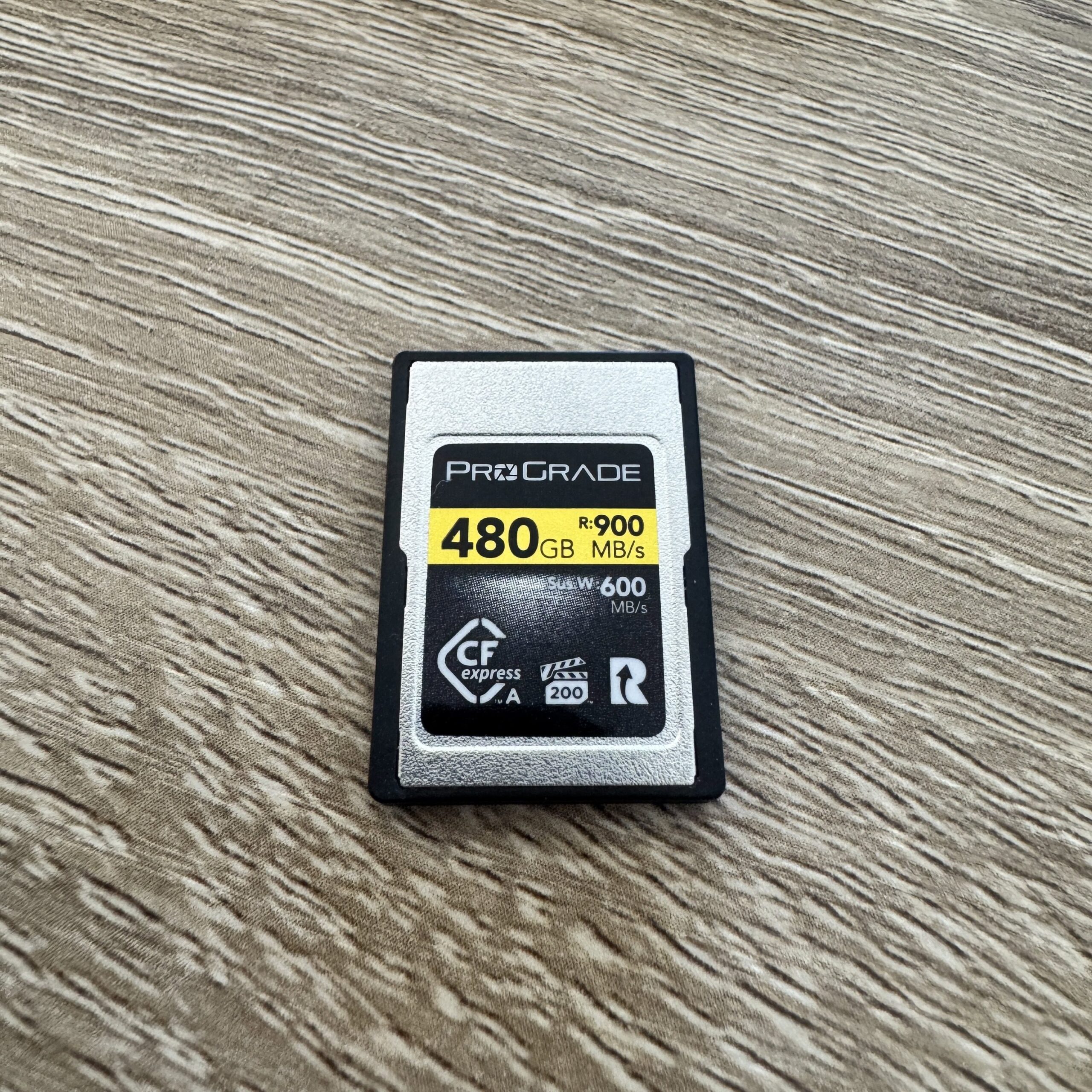
I bought my first ProGrade CFexpress Type A card for Rwanda. I’d never owned a Type A because Canon doesn’t use it. (And now I’m stuck with a $350 card *sigh*) Anyway, the ProGrade worked great.
I’m not really in the market for more SD cards, but if I am and I see some good deals for ProGrade, I’ll snag more.
Quality, but less expensive option
Lastly, I started my career at SanDisk. I don’t necessarily have anything against them. They tend to have slightly slower write speeds than Lexar, which was what prompted my switch.
That said, they are more affordable, so I would recommend these for those starting their photography journey.
Find SanDisk Extreme Pro Memory Cards | CF Express Cards
Camera Memory Card Sizes I Use
The memory cards I use for my Canon R5 (and sometimes when I partner with Sony) vary between 128GB to 512GB. Yeah, the 512GB is crazy big. I bought it for Rwanda and didn’t want to ever run out of storage on our safari.
My recommendation is that anyone buying a memory card for their camera should get at least a 128 GB card. The smaller ones just fill up too fast, and the price differential honestly isn’t that great.
 SanDisk Extreme Pro Memory Card
- SanDisk CF Express Type B
- Silver tier of Lexar memory cards


What to look for in a Memory Card
Size
The size of the memory card is usually the biggest factor when it comes to price. A 32GB card will cost far less than a 256GB card. As I touched on above, there’s no reason to have a smaller card. It will only give you headaches down the road when you’re having to swap out a card in the middle of an epic scene!
Related: Best Mirrorless cameras on the market (and beginners too)
Read and Write Speed
The read and write speed (###/MB/s) is very important for photographers and videographers who are taking a lot of photos in a short amount of time (think the Sony A9 iii doing 120 frames per second) or if you are shooting 8k video for an extended period of time.
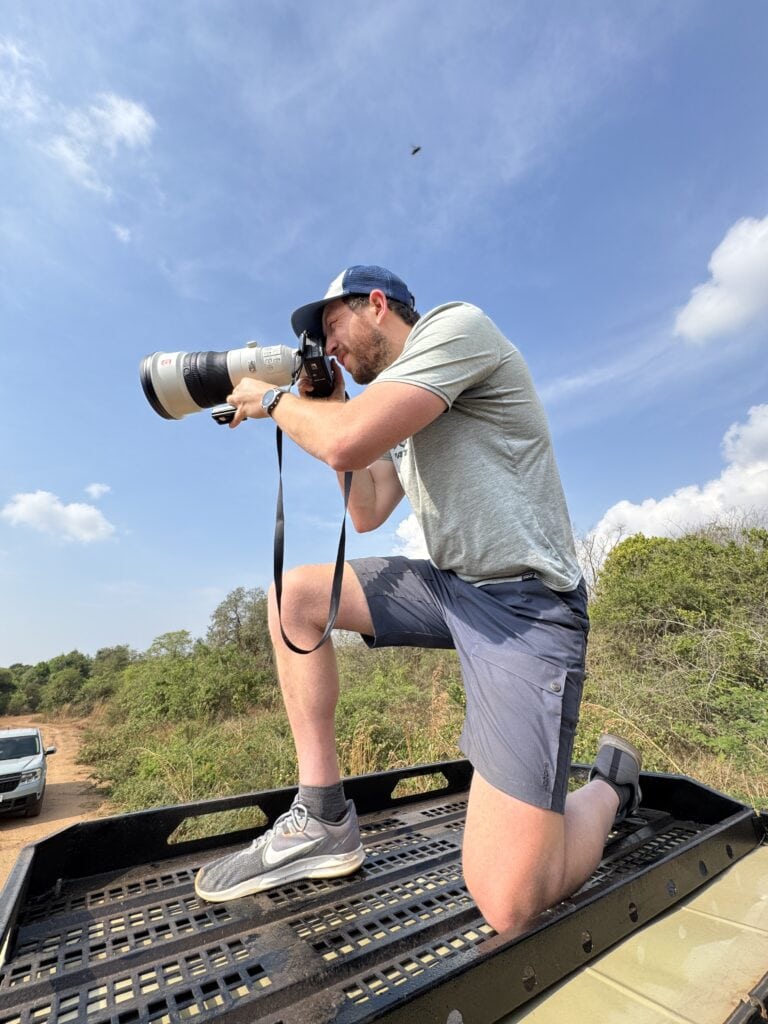
The read and write speed determines how quickly the camera records the data you just took onto the memory card. A faster card, faster processing speed. A slower card, slower speed. Greater chance of the camera buffers (ie: freezing up as it absorbs everything).
So, back to the Sony A9 III. If you have a top-tier card (say, the ProGrade CF-A Express, like I used in Rwanda), it can handle the incredible frames-per-second the camera can shoot. Plus, it even has a write speed two or three times that of even the Gold SD card above. (We talk more about that below.)
Gold vs Silver vs Other
When it comes to memory cards, there are different tiers, and they are important, but also not cut and dry. Take the Lexar Gold and Silver Tiers.
Professionals can use both and be happy with both. What matters is what you’re using them for. If you’re there taking landscape photos or some casual video, you can get Silver and be totally fine.
Related: What lenses to bring on an African Safari
But if you’re doing heavy-duty wildlife photography with crazy burst rates or shooting a lot of 4k/8k video, you want the gold. This will decrease your buffer time and give you more time shooting.
SD Card Vs CF Express
Alrighty! Final thing to know about camera memory cards.
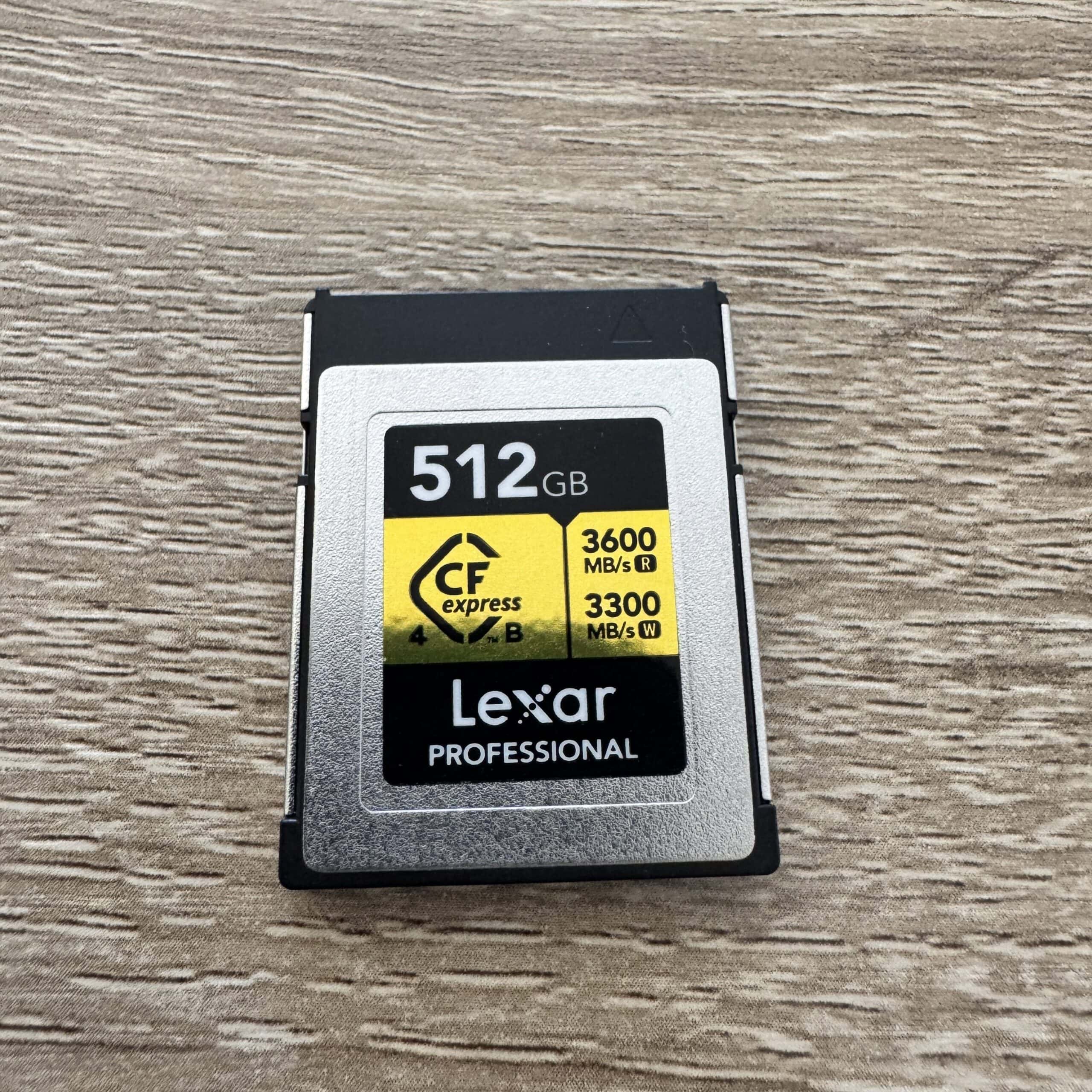
Most mid-tier to professional cameras have dual memory card slots. This means you can have two different cards in at the same time. (Back to Rwanda, I had a 512 GB CF and a 256GB SD, in at the same time. In essence, I had approximately 3/4 of a TB of memory available.)
I strongly recommend that you use a CF Express Card. They have vastly higher read andwrite speeds, making them a powerhouse in the memory card space. Take a look at the image below.
The write speeds are 10 times that of an SD card.
CFexpress Type A vs Type B
This was something I didn’t realize until I used the A9. Sony cameras only support Type A CFexpress cards. That said, they can take double SD cards.
So, you can opt to go without a CFexpress, though I wouldn’t recommend it if you’re doing wildlife photography.
If you have any other camera body, all you need is a Type B, and you are set!
Related: Reviewing the Sony 50-150 and the Sony 400mm
Final Recommendations on the exact camera memory cards I use
I hope you learned a bit more about camera memory cards, the different types, what to look for, and which ones to use. I’m listing out the exact ones I have and use below in case you want to grab some!
- Lexar Professional CFexpress Type B Gold 512 GB (Pro Level)
- Lexar Professional CFexpress Type B Silver 256
- Lexar Professional Gold SD 128GB | 256GB
- ProGrade 480GB CFexpress Type A (as of publication, 480 GB was unavailable)
- SanDisk 128GB SD Card (Beginner level)
Until next time, adventurers, stay safe.
Follow on social media: TikTok || Instagram || Facebook || Newsletter | YouTube